.png)
Maximize Your Earnings with Effective Airbnb Listing Creation and Optimization Tips
- Diego Alberto Rivera
- Jul 8
- 3 min read

Creating a successful Airbnb listing takes more than just uploading a few photos and setting a price. To attract guests and boost your earnings, you need a well-crafted listing that highlights your property’s best features and meets travelers’ expectations. This guide walks you through practical steps to create and optimize your Airbnb listing so you can stand out in a crowded market and increase your bookings.

Write a Clear and Compelling Title
Your listing title is the first thing potential guests see. Make it catchy but informative. Use words that describe your property’s unique features or location. For example:
“Sunny Downtown Loft with City Views”
“Quiet Cottage Near the Beach”
“Spacious Family Home with Large Garden”
Avoid generic titles like “Nice Apartment” or “Cozy Room.” Instead, focus on what makes your space special. Including the type of property and a key benefit helps guests quickly understand what you offer.
Craft a Detailed and Honest Description
The description should paint a clear picture of your space and what guests can expect. Break it into sections for easy reading:
The Space: Describe the layout, size, and style. Mention the number of bedrooms, bathrooms, and any standout features like a fireplace or balcony.
Amenities: List what you provide, such as Wi-Fi, kitchen appliances, parking, or air conditioning.
Location: Highlight nearby attractions, public transport, restaurants, or parks.
Guest Access: Explain which areas guests can use and any shared spaces.
Other Details: Include house rules, check-in procedures, and any special notes.
Use simple language and avoid exaggerations. Being honest builds trust and reduces the chance of negative reviews.
Use High-Quality Photos to Showcase Your Space
Photos are the most powerful tool to attract guests. Invest time in taking clear, bright images that show every room from multiple angles. Tips for great photos:
Use natural light whenever possible.
Declutter and clean before shooting.
Highlight unique features like a stylish kitchen or cozy reading nook.
Include exterior shots and nearby views.
Show amenities like a pool or garden.
Consider hiring a professional photographer if your budget allows. Listings with professional photos get up to 40% more bookings, according to Airbnb data.

Set Competitive and Flexible Pricing
Pricing affects your booking rate and earnings. Research similar listings in your area to find a competitive price. Use Airbnb’s Smart Pricing tool to adjust rates based on demand, season, and local events.
Offer discounts for longer stays or early bookings to attract more guests. Consider charging extra for additional guests or special amenities, but keep fees transparent.
Optimize Your Listing for Search
Airbnb’s search algorithm favors listings that are complete, responsive, and well-reviewed. To improve your ranking:
Fill out every section of your profile and listing.
Respond quickly to inquiries and booking requests.
Keep your calendar up to date.
Encourage guests to leave reviews by providing excellent service.
Use relevant keywords in your title and description that guests might search for.
Communicate Clearly and Provide Excellent Hospitality
Good communication leads to positive reviews and repeat bookings. Respond promptly and politely to questions. Provide detailed check-in instructions and be available for any issues during the stay.
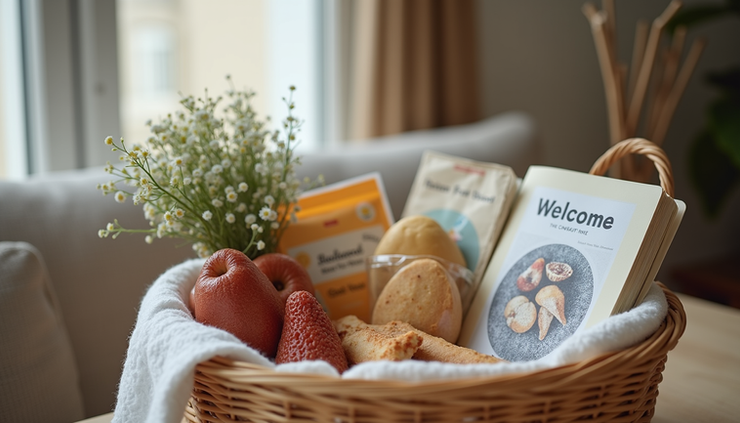
Small touches like welcome notes, local recommendations, or complimentary snacks can make a big difference in guest satisfaction.
Keep Improving Based on Feedback
After each stay, review guest feedback carefully. Look for patterns in comments about cleanliness, amenities, or communication. Use this information to make improvements that enhance the guest experience.
Regularly update your listing photos and description to reflect any changes or upgrades to your property.


Comments